
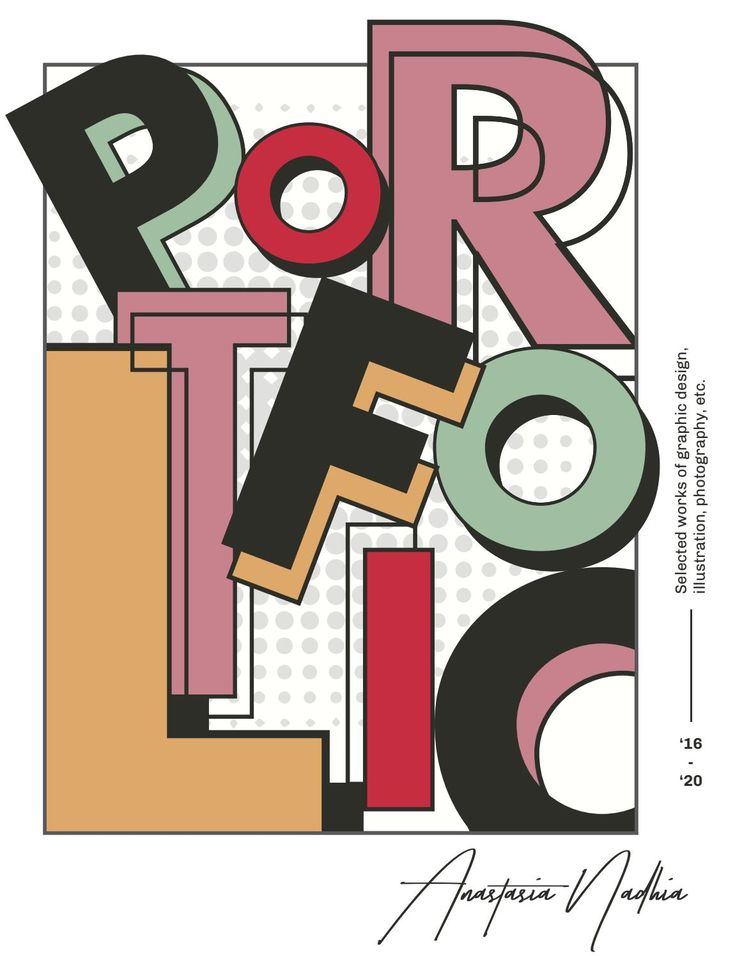
Graphic design is more than creating visually attractive images—it’s about communicating ideas, solving problems, and connecting with audiences through effective visual communication. Whether you’re designing a logo, website, social media post, brochure, or advertisement, understanding the fundamentals of graphic design is the foundation of creating professional and memorable work.
For beginners, mastering design principles builds confidence and creativity. For experienced designers, these fundamentals remain the key to producing consistent, high-quality designs. In this guide, we’ll explore the essential principles, elements, tools, and best practices every graphic designer should know.
What Is Graphic Design?
Graphic design is the art and practice of combining visual elements such as typography, colors, images, shapes, and layouts to communicate information and ideas effectively. It blends creativity with strategy to create designs that are both aesthetically pleasing and functional.
Graphic designers work across various industries, including:
- Branding and marketing
- Advertising
- Publishing
- Web design
- Mobile app design
- Social media marketing
- Packaging design
- Motion graphics
- User Interface (UI) design
The primary goal of graphic design is to convey a message clearly while creating a positive visual experience.
Why Learning Graphic Design Fundamentals Is Important
Strong design fundamentals help designers:
- Create visually appealing designs
- Communicate messages effectively
- Build consistent brand identities
- Improve user engagement
- Enhance creativity with purpose
- Solve design problems efficiently
- Produce professional-quality work
- Adapt to different design projects
Without a solid understanding of these principles, even advanced design software cannot guarantee successful results.
The Core Elements of Graphic Design
Before learning design principles, it’s important to understand the building blocks of every design.
1. Line
Lines guide the viewer’s eye, divide content, create movement, and establish structure. They can be straight, curved, thick, thin, solid, or dotted depending on the desired effect.
2. Shape
Shapes create structure and visual interest. They generally fall into three categories:
- Geometric shapes
- Organic shapes
- Abstract shapes
Shapes help organize content and reinforce visual identity.
3. Color
Color is one of the most powerful tools in graphic design. It influences emotions, attracts attention, and strengthens brand recognition.
Different colors often evoke different feelings:
- Blue – Trust and professionalism
- Red – Energy and excitement
- Green – Growth and nature
- Yellow – Optimism and creativity
- Black – Elegance and sophistication
- White – Simplicity and cleanliness
Understanding color harmony and contrast is essential for creating balanced designs.
4. Typography
Typography is the art of arranging text for readability and visual appeal.
Good typography involves:
- Choosing appropriate fonts
- Proper spacing
- Clear hierarchy
- Consistent alignment
- Readable font sizes
Effective typography improves communication and enhances the overall design.
5. Texture
Texture adds depth and realism to designs. It may be visual (simulated) or physical (printed materials).
Textures help create unique visual experiences.
6. Space
Also called white space or negative space, space gives elements room to breathe and improves readability.
Proper use of space prevents clutter and directs attention to important information.
Essential Graphic Design Principles
These principles guide how design elements work together to create effective visual communication.
1. Balance
Balance distributes visual weight evenly throughout a design.
Types of balance include:
Symmetrical Balance
Both sides mirror each other, creating stability and formality.
Asymmetrical Balance
Different elements balance one another through size, color, or placement, resulting in a more dynamic composition.
Radial Balance
Elements radiate outward from a central point, drawing attention to the center.
2. Contrast
Contrast creates distinction between design elements by using differences in:
- Color
- Size
- Shape
- Typography
- Brightness
High contrast improves readability and highlights key information.
3. Emphasis
Emphasis directs viewers toward the most important element in a design.
Designers create emphasis through:
- Bold typography
- Bright colors
- Larger sizes
- Strategic placement
- Negative space
Every design should have a clear focal point.
4. Hierarchy
Visual hierarchy organizes information according to importance.
Common techniques include:
- Larger headings
- Bold fonts
- Contrasting colors
- Strategic spacing
- Logical positioning
Good hierarchy makes content easier to scan and understand.
5. Alignment
Alignment creates order by positioning elements consistently.
Proper alignment:
- Improves readability
- Creates professionalism
- Builds visual connections
- Organizes information effectively
6. Repetition
Repeating colors, fonts, icons, and layouts creates consistency and strengthens brand identity.
Repetition also improves recognition across different platforms.
7. Proximity
Related elements should be grouped together.
Proximity helps users quickly understand relationships between different pieces of information.
8. Unity
Unity ensures every element works together to support the same message and visual style.
Consistent design creates a stronger and more memorable user experience.
Understanding Color Theory
Color theory helps designers create visually pleasing combinations.
Popular color schemes include:
Complementary Colors
Colors opposite each other on the color wheel.
Example:
- Blue and orange
These create strong contrast.
Analogous Colors
Colors positioned next to each other.
Example:
- Blue, blue-green, and green
These create harmony.
Triadic Colors
Three evenly spaced colors on the color wheel.
Example:
- Red
- Blue
- Yellow
Triadic schemes produce vibrant designs.
Typography Best Practices
Typography significantly influences user experience.
Tips include:
- Limit font choices to two or three families.
- Use clear font hierarchies.
- Maintain sufficient line spacing.
- Ensure text contrast with the background.
- Avoid overly decorative fonts for body text.
- Keep paragraphs readable.
Readable typography improves both accessibility and engagement.
Layout and Composition
Effective layouts guide users naturally through information.
Popular layout techniques include:
- Grid systems
- Rule of thirds
- Visual flow
- Consistent margins
- Responsive layouts
Well-organized compositions improve usability across print and digital media.
Popular Graphic Design Software
Professional designers use various tools depending on project requirements.
Some of the most widely used include:
- Adobe Photoshop
- Adobe Illustrator
- Adobe InDesign
- Figma
- Canva
- CorelDRAW
- Affinity Designer
- Adobe Express
Learning multiple tools expands career opportunities and creative flexibility.
Common Graphic Design Mistakes to Avoid
Even skilled designers can make avoidable mistakes. Watch out for:
- Overcrowded layouts
- Poor color combinations
- Inconsistent typography
- Weak visual hierarchy
- Low-quality images
- Misaligned elements
- Too many fonts
- Ignoring white space
- Lack of contrast
- Inconsistent branding
Regular feedback and user testing can help identify and correct these issues.
Tips to Improve Your Graphic Design Skills
To become a stronger designer:
- Practice every day with real-world projects.
- Study successful designs and analyze why they work.
- Learn the fundamentals before chasing trends.
- Build a professional portfolio.
- Seek constructive feedback.
- Master industry-standard design software.
- Stay updated with design trends and technology.
- Learn basic branding and marketing concepts.
- Develop communication and presentation skills.
Continuous learning is one of the keys to long-term success in graphic design.
Career Opportunities in Graphic Design
Graphic design offers diverse career paths across industries. Popular roles include:
- Graphic Designer
- Brand Identity Designer
- Visual Designer
- UI Designer
- Motion Graphics Designer
- Packaging Designer
- Publication Designer
- Marketing Designer
- Art Director
- Creative Director
Many graphic designers also work as freelancers or start their own creative agencies.
The Future of Graphic Design
The graphic design industry continues to evolve with technology. Emerging trends include:
- AI-assisted design tools
- 3D graphics and immersive visuals
- Motion design and animation
- Sustainable and minimalist design
- Personalized visual experiences
- Augmented Reality (AR) and Virtual Reality (VR)
- Data visualization
- Accessible and inclusive design
Designers who embrace new technologies while maintaining strong design fundamentals will remain highly competitive.
Conclusion
Graphic design is both an art and a strategic communication tool. Mastering its fundamentals—including balance, contrast, hierarchy, typography, color, alignment, and composition—provides the foundation for creating designs that are visually appealing, functional, and meaningful.


