
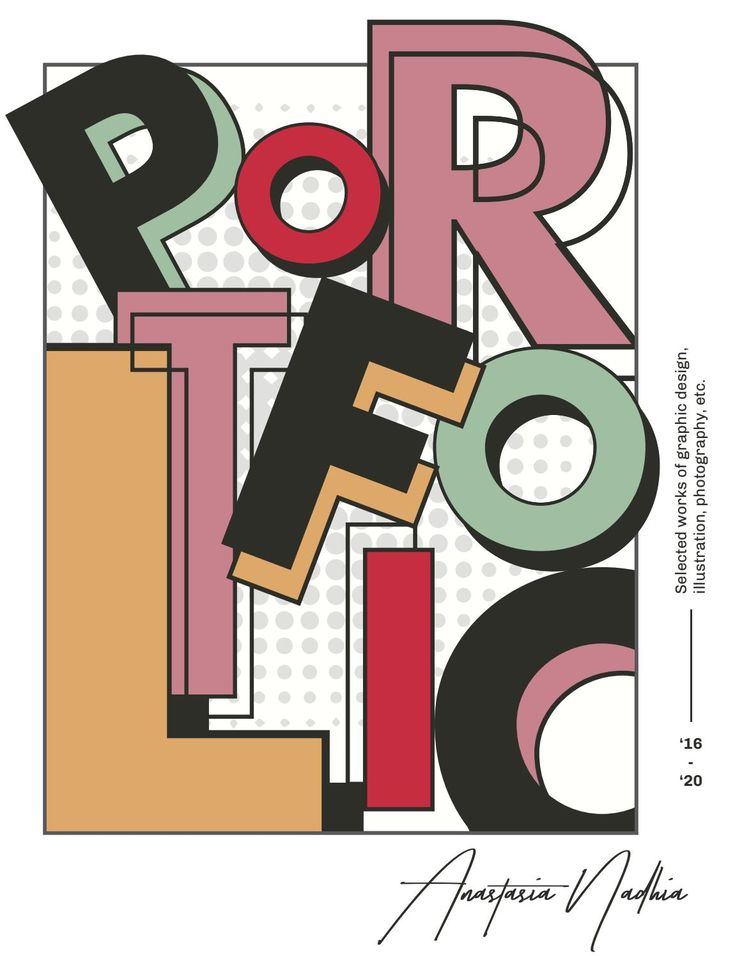
Graphic design is a powerful form of visual communication—but beginners often focus too much on creativity and overlook essential design principles. This leads to cluttered layouts, inconsistent branding, and confusing visuals. Whether you’re just starting out or polishing your skills, avoiding these common mistakes can significantly improve your work.
Here are the most frequent graphic design mistakes beginners should avoid and how to fix them.
1. Using Too Many Fonts
Beginners often experiment with multiple fonts, which can make the design look messy and unprofessional.
Avoid it by:
- Sticking to 2–3 fonts max
- Using a consistent heading, subheading, and body font
- Choosing fonts that complement each other
2. Poor Color Choices
Using too many colors or choosing colors that clash can ruin the visual appeal.
Avoid it by:
- Limiting your palette to 3–5 colors
- Using color harmony (analogous, complementary, triadic)
- Ensuring readable contrast between text and background
3. Lack of White Space
Many beginners try to fill every corner of a canvas. This causes visual clutter.
Avoid it by:
- Embracing white space to guide the viewer’s eyes
- Allowing breathing room between sections
- Keeping layouts clean and minimal
4. Inconsistent Alignment
Misaligned elements make the design look unstructured and unprofessional.
Avoid it by:
- Using grids and guides
- Keeping consistent margins and spacing
- Aligning text and images logically
5. Using Low-Quality Images
Pixelated or stretched images instantly reduce design quality.
Avoid it by:
- Using high-resolution photos
- Maintaining original aspect ratios
- Compressing images correctly for web use
6. Overusing Effects
Drop shadows, gradients, glows, and filters can easily be overdone.
Avoid it by:
- Applying effects sparingly
- Using subtle enhancements that support the design
- Prioritizing clarity over visual gimmicks
7. Ignoring Hierarchy
Without clear visual hierarchy, users won’t know where to look first.
Avoid it by:
- Highlighting key elements using size, color, or weight
- Making headings larger than body text
- Positioning important information strategically
8. Poor Typography Choices
Bad spacing, line height, or unreadable fonts weaken your message.
Avoid it by:
- Ensuring proper line spacing (1.2–1.5 for readability)
- Using readable fonts for body text
- Avoiding all caps for long paragraphs
9. Not Understanding the Client or Audience
Designing without direction leads to ineffective results.
Avoid it by:
- Asking for a brief
- Understanding the brand’s tone and audience
- Creating mood boards before starting
10. Skipping the Revision Process
Beginners often finalize their first version without refining it.
Avoid it by:
- Reviewing your design after a break
- Asking for feedback
- Checking for typos, alignment, and color consistency
Final Thoughts
Graphic design is a blend of creativity and strategy. Avoiding these common mistakes will help you create cleaner, more powerful designs that leave a lasting impact. With practice, patience, and attention to detail, you’ll see your work improve dramatically.


